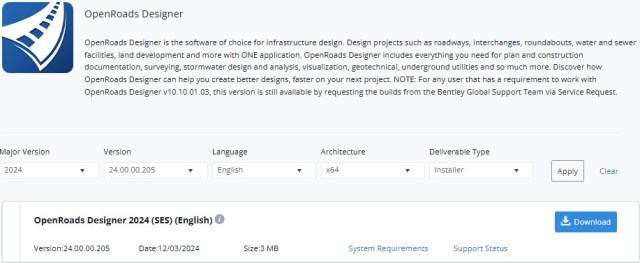
OpenRoads Designer latest version is available at
https://softwaredownloads.bentley.com/en/ProductDetails/2515
For the Australian Data Set version to appear change the Delivery Type to Data Set and click Apply
OpenRoads Concept Station latest version is available at
https://softwaredownloads.bentley.com/en/ProductDetails/2427
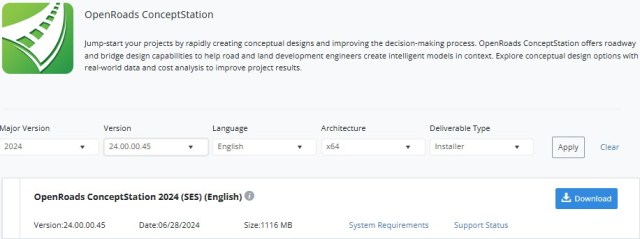
You may have to fiddle with the version options to get this installer to appear.
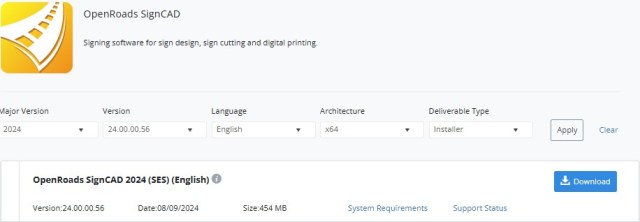
OpenRoads SignCAD latest version is available at
https://softwaredownloads.bentley.com/en/ProductDetails/2942
OpenRoads designer 2024 Videos
What’s New in OpenRoads 2023
https://www.youtube.com/playlist?list=PLnJUnxLwu_N64Qu3p0eIiocIUX2U63zVA
OpenRoads Version 10.10.01.03 and later now have the new msconfig.cfg file driving the configuration and can now easily be set up to use the same configuration as MicroStation and many other Bentley applications, this process is referred to as One Configuration. One Configuration means you have only one configuration to maintain and ensures the MicroStation components of it are identical in all the Bentley applications in the configuration.
OpenRoads Training Videos Video’s on most aspects of OpenRoads
OpenRoads QuickStart Training Videos
OpenRoads Designer – Workspace/Configuration Setup This link is what you need to get started implementing OpenRoads Designer.
OpenRoads CONNECT Edition for SEAPAC Special Interest Group This link is to videos of the monthly SEAPac SIG events covering many aspects of OpenRoads Designer.
Federated file Workflows by Ross Brown – BECA
https://learn.bentley.com/app/VideoPlayer/LinkToIndividualCourse?LearningPathID=112219&CourseId=126521&MediaID=5017192
Open Roads Best Practice – Project Management
https://learn.bentley.com/app/Public/ViewLearningPathDetails?lpId=113285
OpenRoads ConceptStation Training Links
https://learn.bentley.com/app/Public/ViewLearningPathDetails?lpId=110386
 Bentley User Group Victoria Australia